About Rawed: RAW Photo Editor
Rawed: RAW Photo Editor is a mobile application for macOS developed by Ryu (Ryunosuke Shibuya), an iOS developer based in Japan.
Available for free download on the Mac App Store.
Key Features and Description
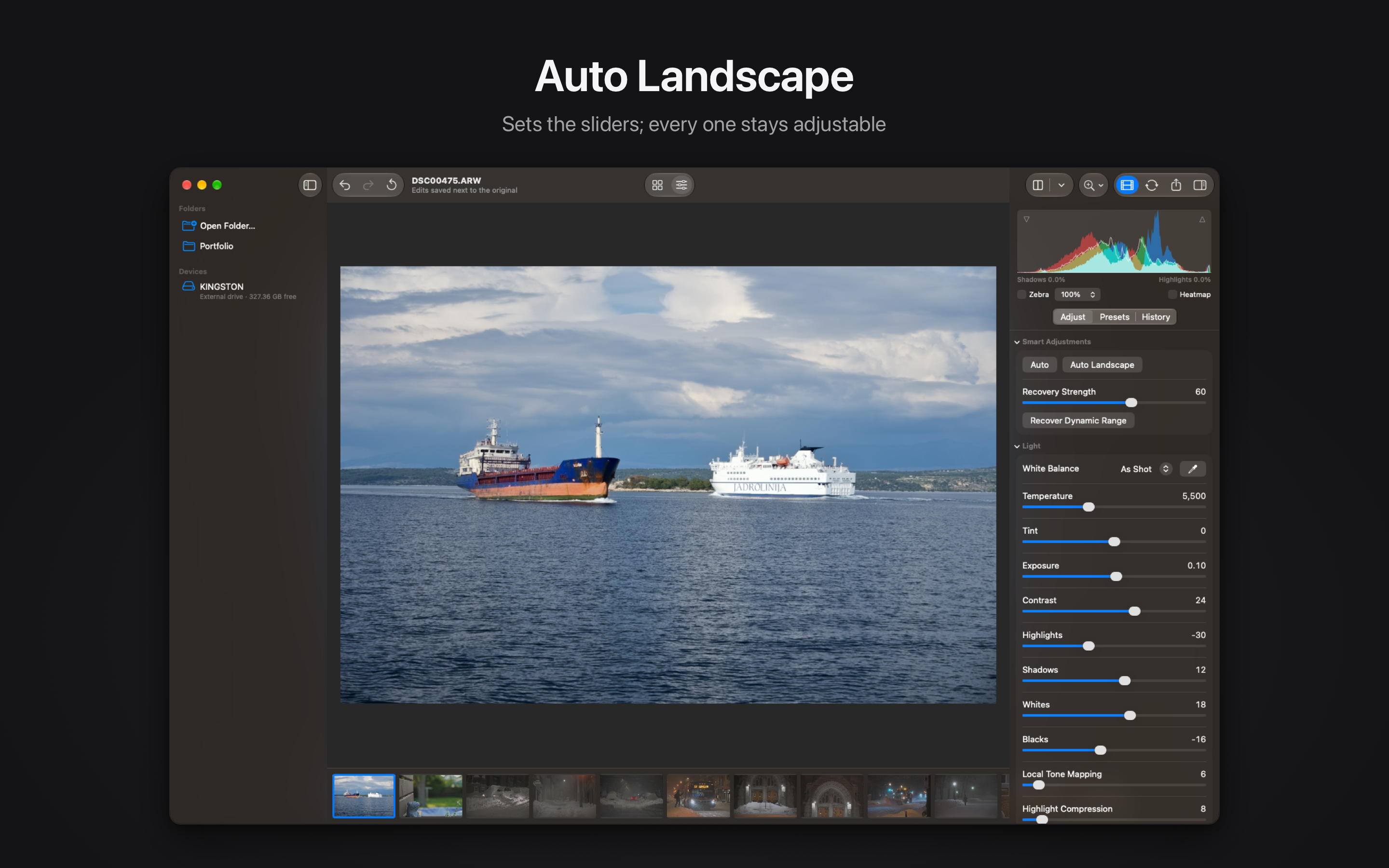
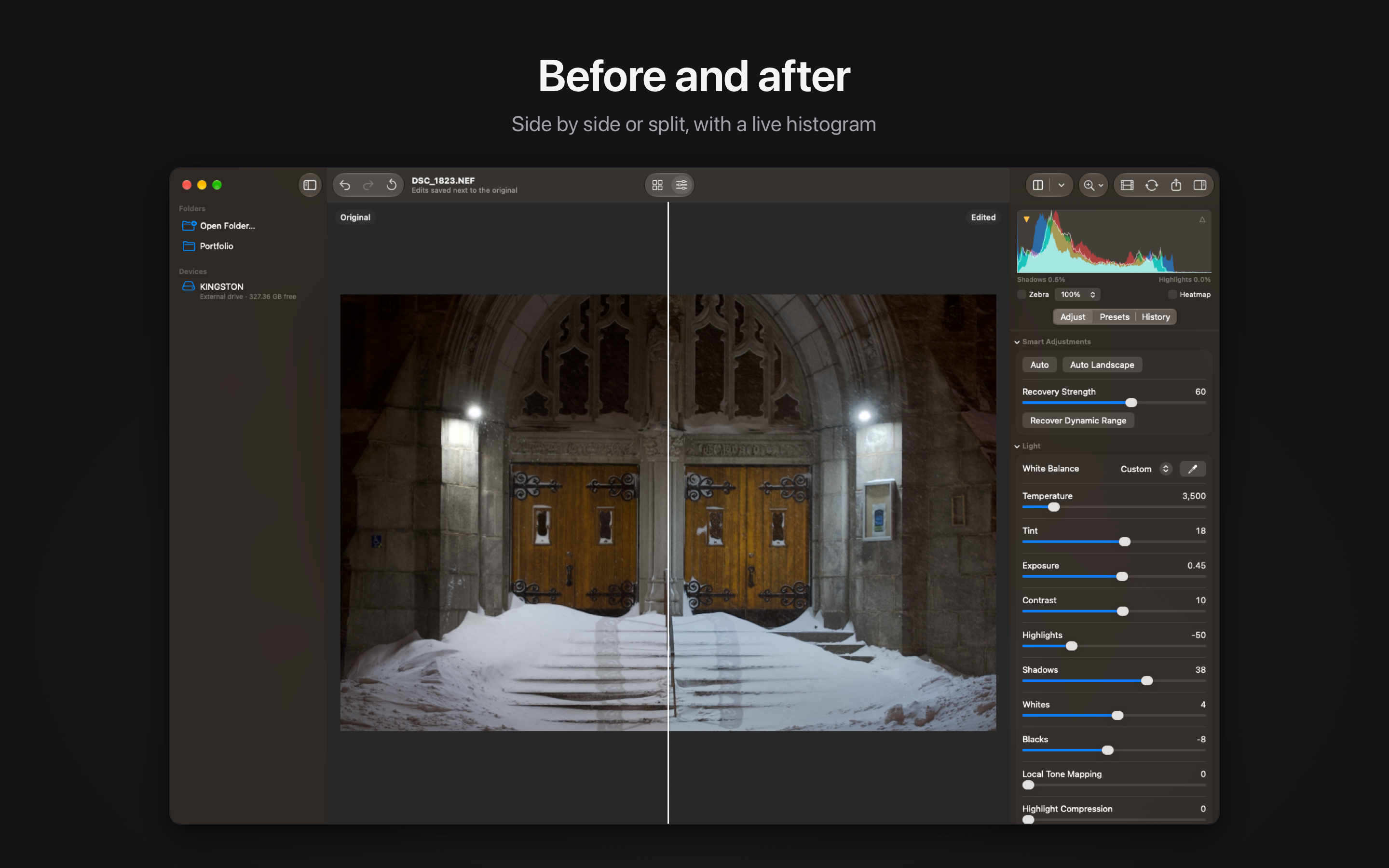
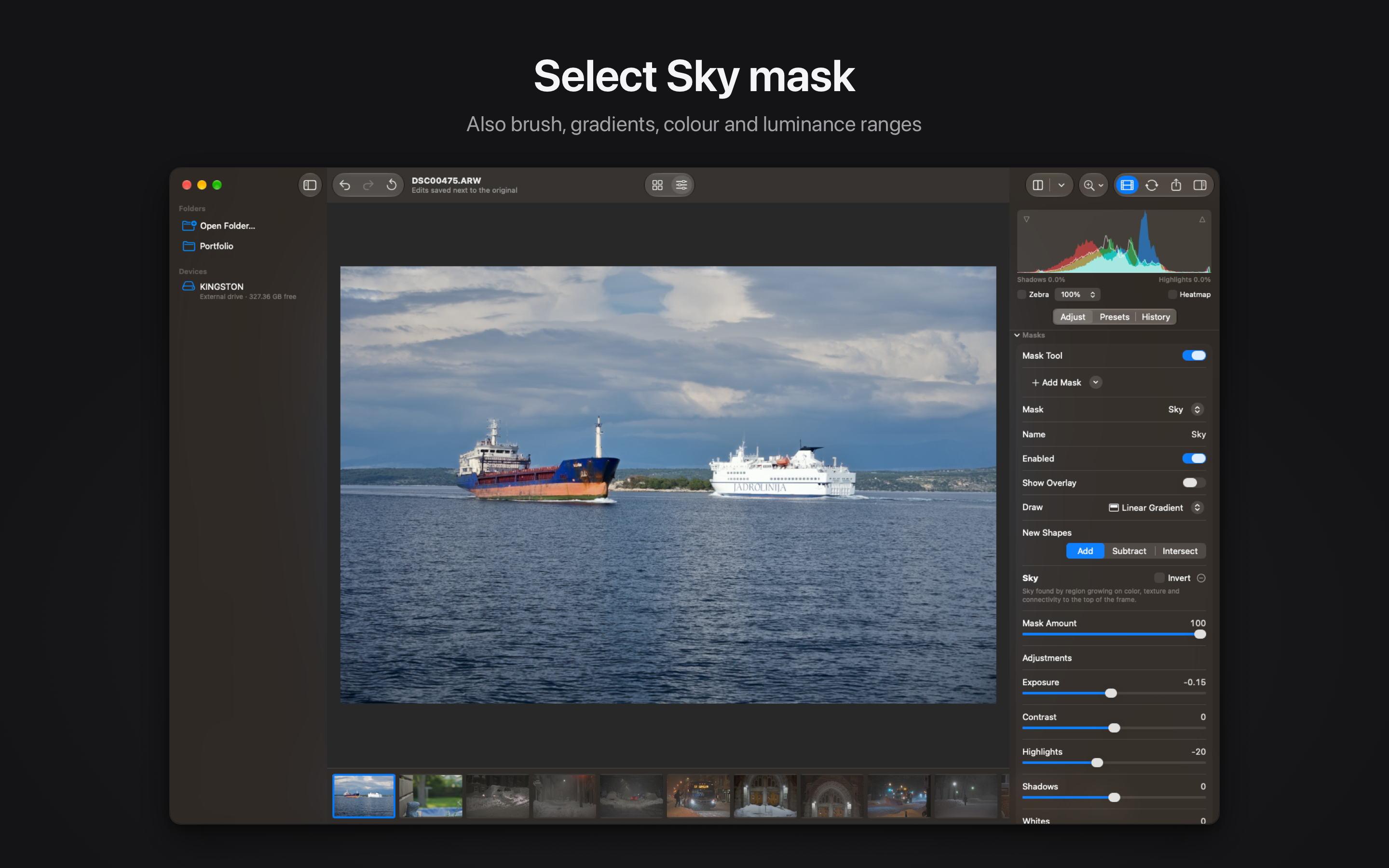
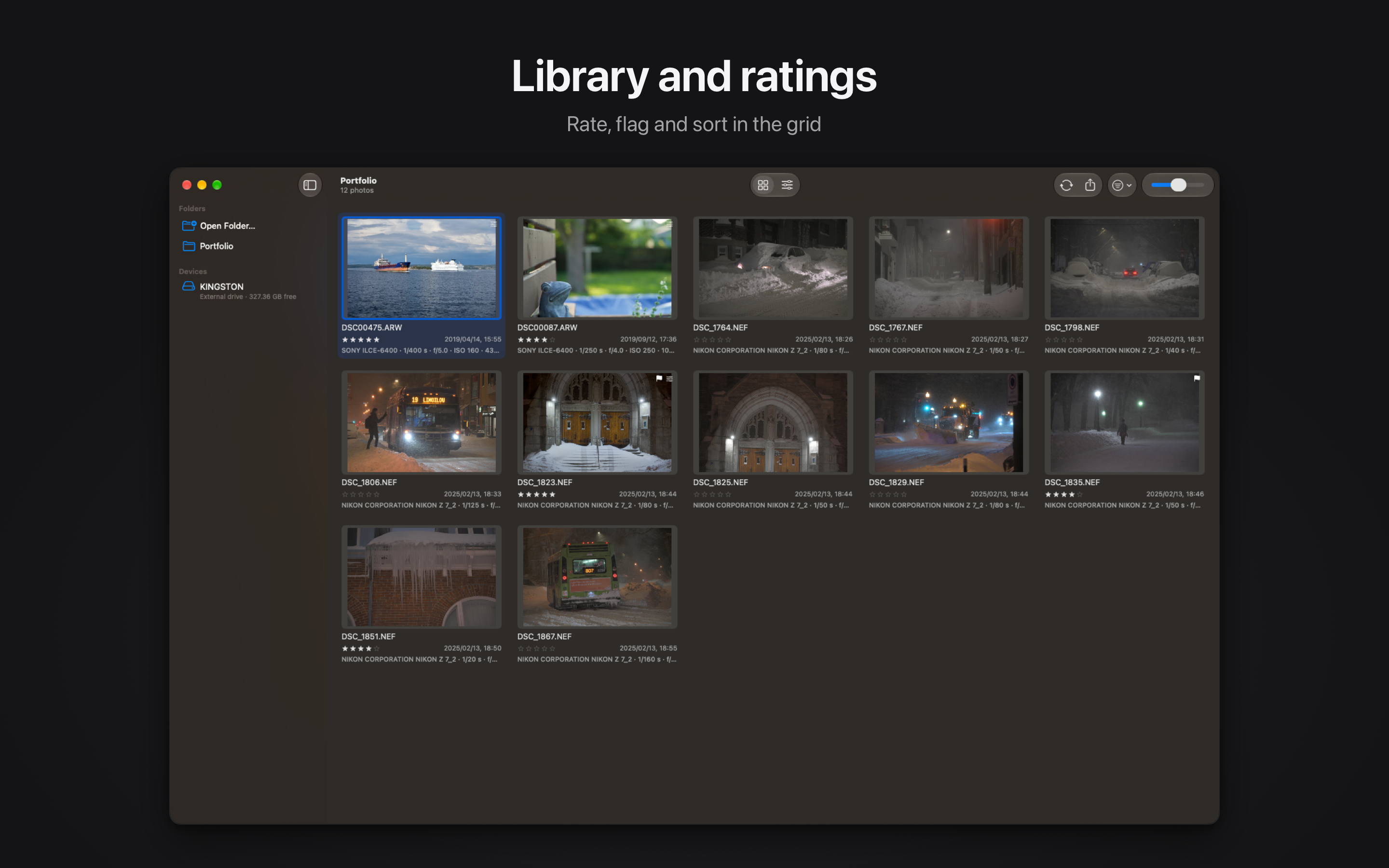
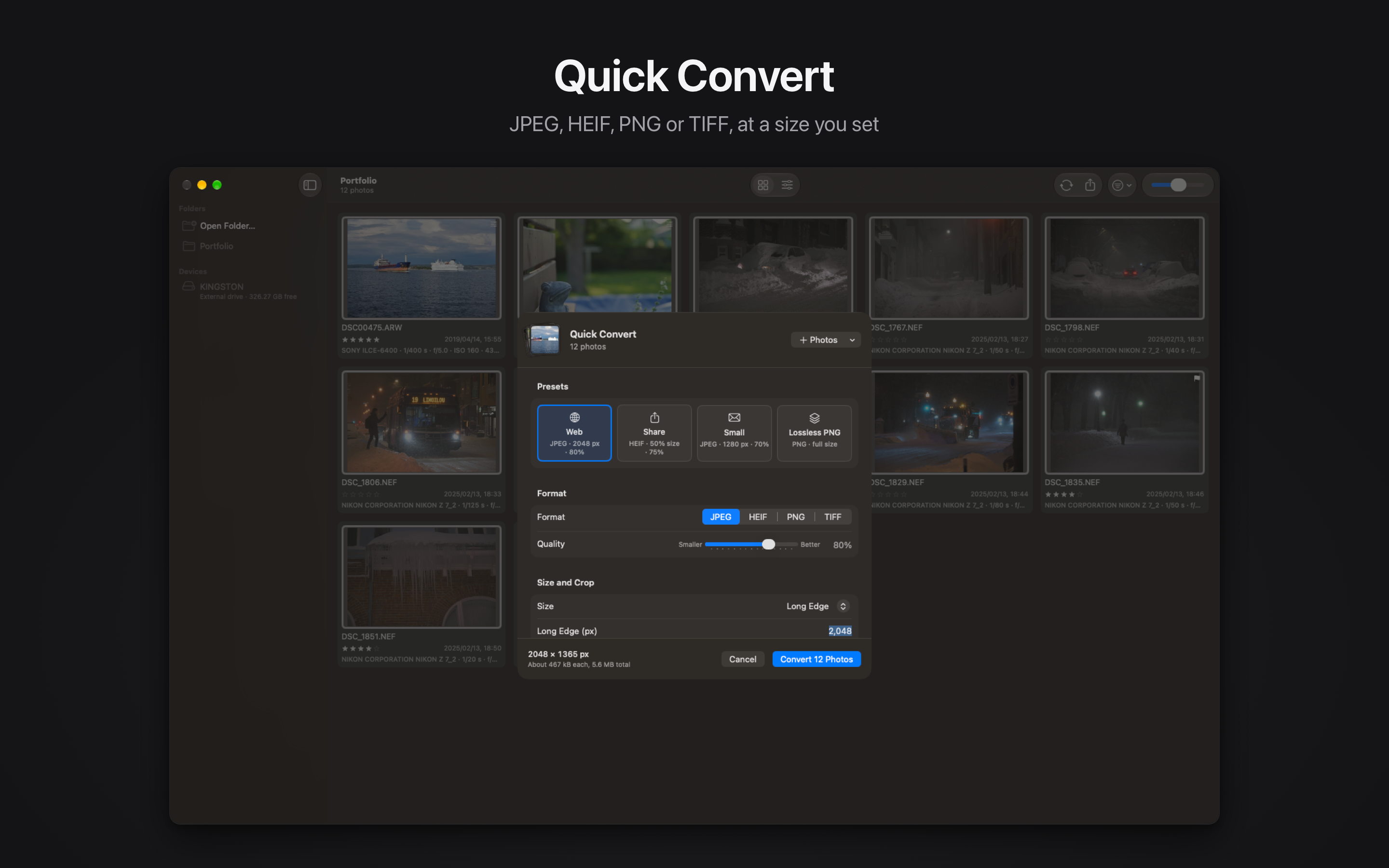
Rawed is a native RAW photo editor for the Mac. It has the tools you expect from a full editor, and it stays fast and light: the download is 8.6 MB. Cameras and formats • Rawed uses Apple's RAW engine, which reads RAW files from more than 900 camera models. • That includes Sony (ARW), Canon (CR2, CR3), Nikon (NEF), Fujifilm (RAF), Panasonic (RW2), Olympus and OM System (ORF), Pentax (PEF), Leica, Hasselblad and DNG. • Rawed is developed and tested with Sony α6400 files. New cameras arrive with macOS updates. • JPEG, HEIF, PNG and TIFF files open too. Editing • Auto and Auto Landscape analyze the photo and set the sliders. You adjust from there. • Recover Dynamic Range lowers bright highlights and lifts dark shadows. Strength is 0 to 100. • Brighten Subject lifts the main subject without changing the background. • Exposure, contrast, highlights, shadows, whites, blacks and white balance. • Targeted adjustment: drag up or down on the photo to change the hue, saturation or luminance of the colour under the pointer. • Tone curve, 8-band HSL mixer, colour grading, vibrance and saturation. • Point Colour: pick a colour in the photo and change its hue, saturation and luminance. • Texture, clarity, dehaze, sharpening, noise reduction and vignette. • Lens corrections, crop, straighten, Auto Straighten and perspective. • HDR merge for bracketed exposures. Masks • Select Sky and Select Subject create a mask with one click. • Linear and radial gradients, a brush, and luminance or colour ranges. • Masks can be added, subtracted, intersected and inverted. Each one has 12 local adjustments. Checking your work • A live histogram, clipping overlays and zebra stripes show where detail is lost. • Compare before and after side by side or with a split view. Hold Space to see the original. Library and output • Presets (7 built in, plus your own), copy and paste settings, undo and a history list. • Rate, flag and colour-label photos, then sort and filter the grid. • Quick Convert converts a batch of photos to JPEG, HEIF, PNG or TIFF. You set the size, and can crop to 1:1, 4:3, 3:2 or 16:9. • Save as JPEG (Shift-Command-S) writes a JPEG next to the original. • Export to JPEG, HEIF, PNG or 16-bit TIFF, with an option to remove location data. • Memory cards and external drives appear in the sidebar. Photos are grouped by capture day, and you can copy them to a folder. Rawed never writes to the card. Files and privacy • You open the folders where your photos already are. There is no import step and no catalog. • Edits are saved in a small file next to the photo. The original file is not modified, and the history list lets you return to any earlier step. • All processing happens on your Mac. No account is needed, and the app does not connect to the internet. Rawed is a one-time purchase, not a subscription. The interface is available in 52 languages. Terms of Use (EULA): https://www.apple.com/legal/internet-services/itunes/dev/stdeula/ Privacy Policy: https://rawed-site.sryu.workers.dev/privacy
Rawed: RAW Photo Editor
$ ls ./screenshots/macos