Skip to content

About Brightroad - Roadmap, Timeline

Brightroad - Roadmap, Timeline is a mobile application for iOS and macOS developed by Ryu (Ryunosuke Shibuya), an iOS developer based in Japan.

Available for free download on the App Store.

Key Features and Description

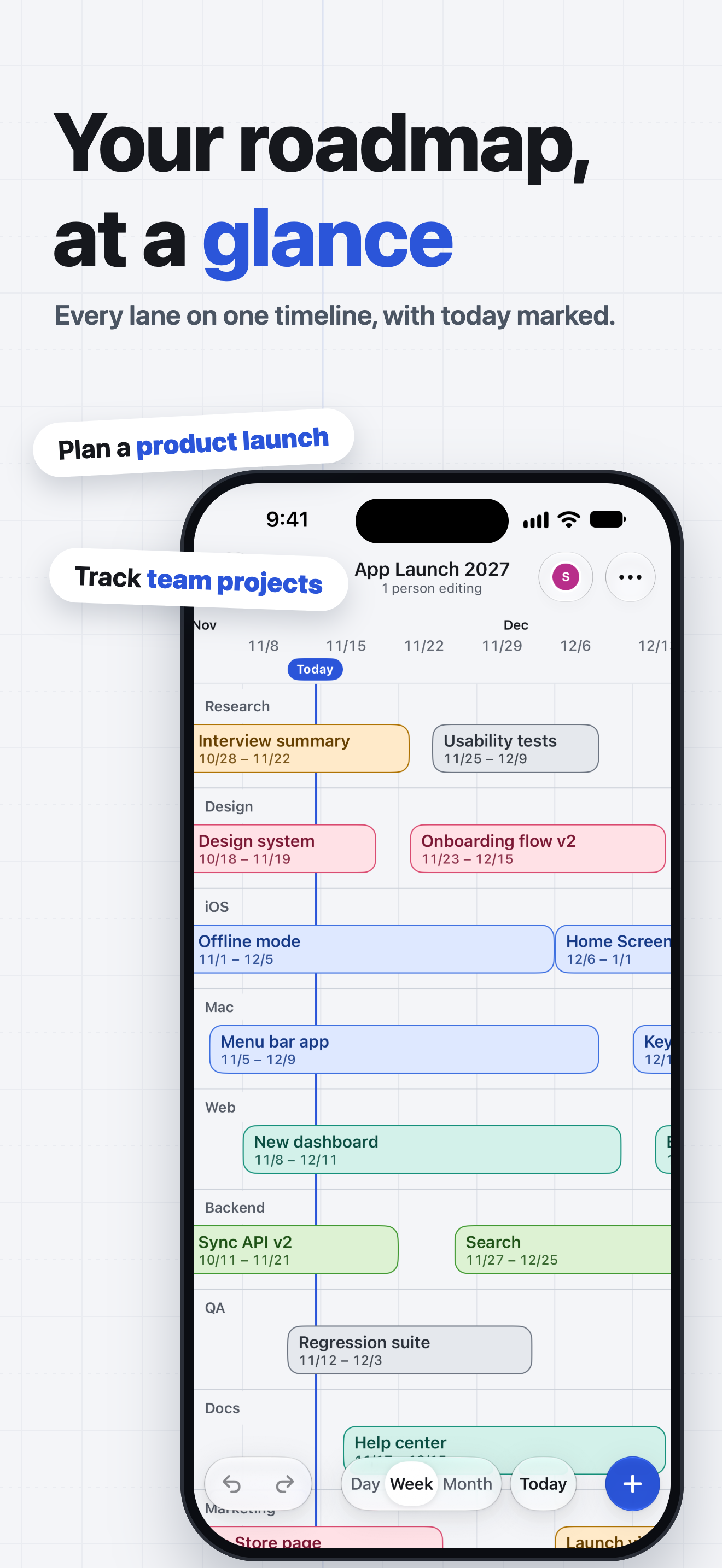
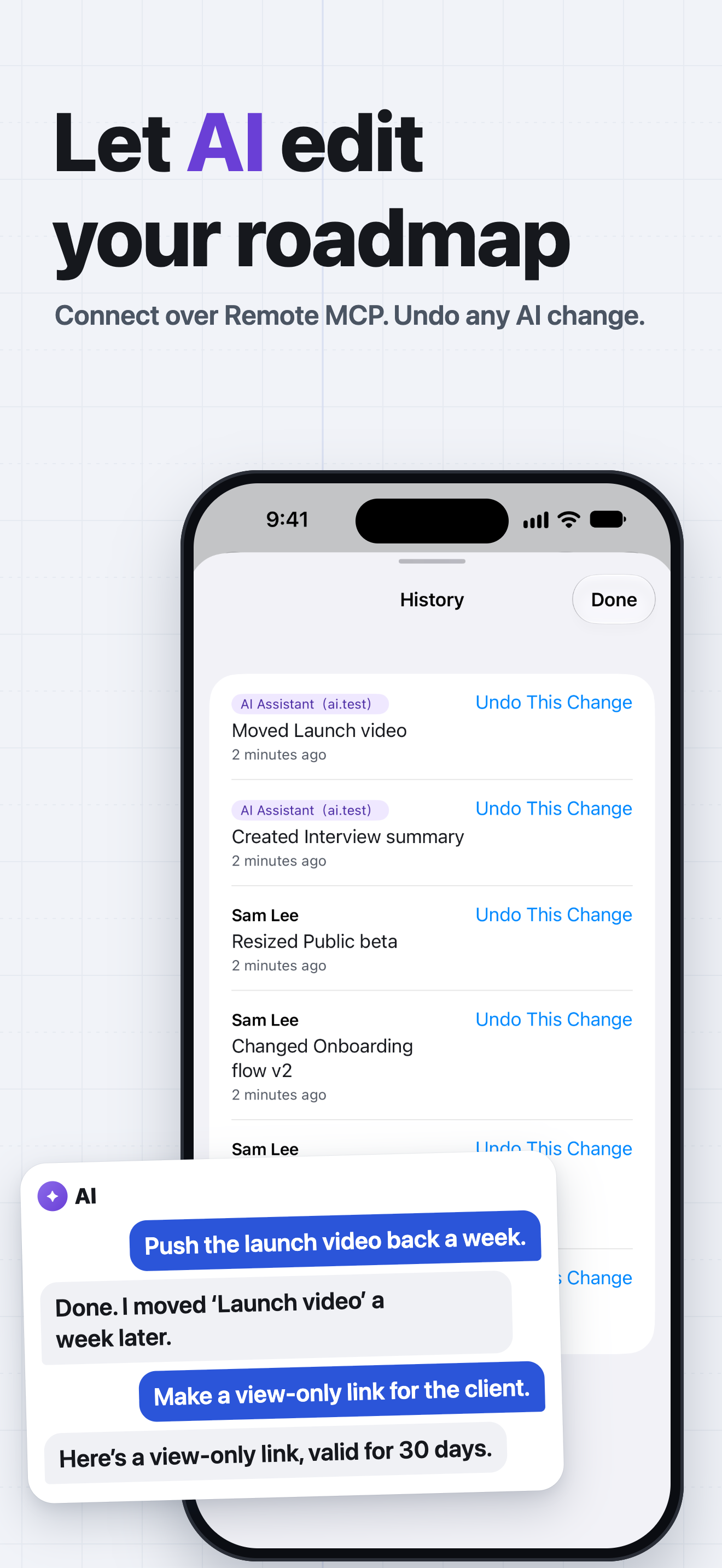
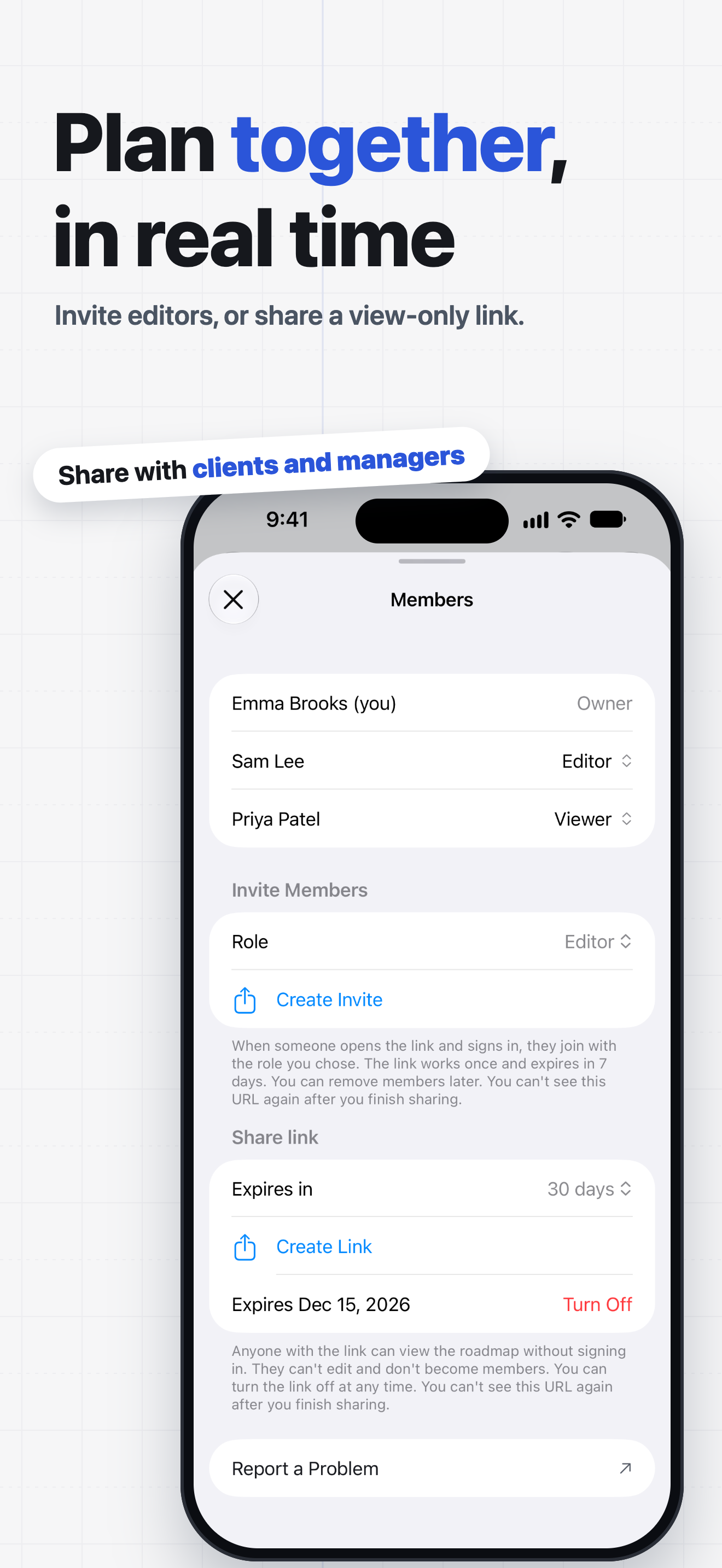
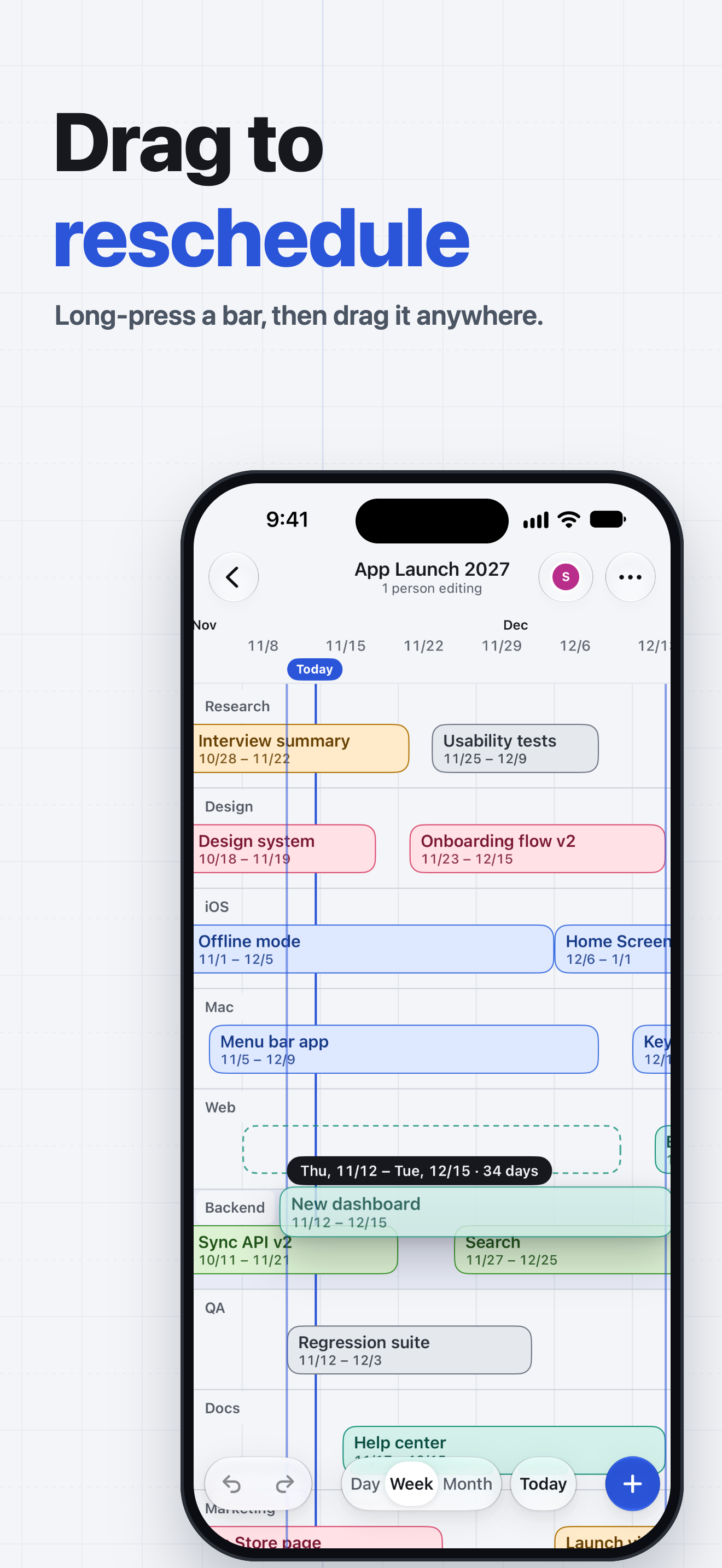
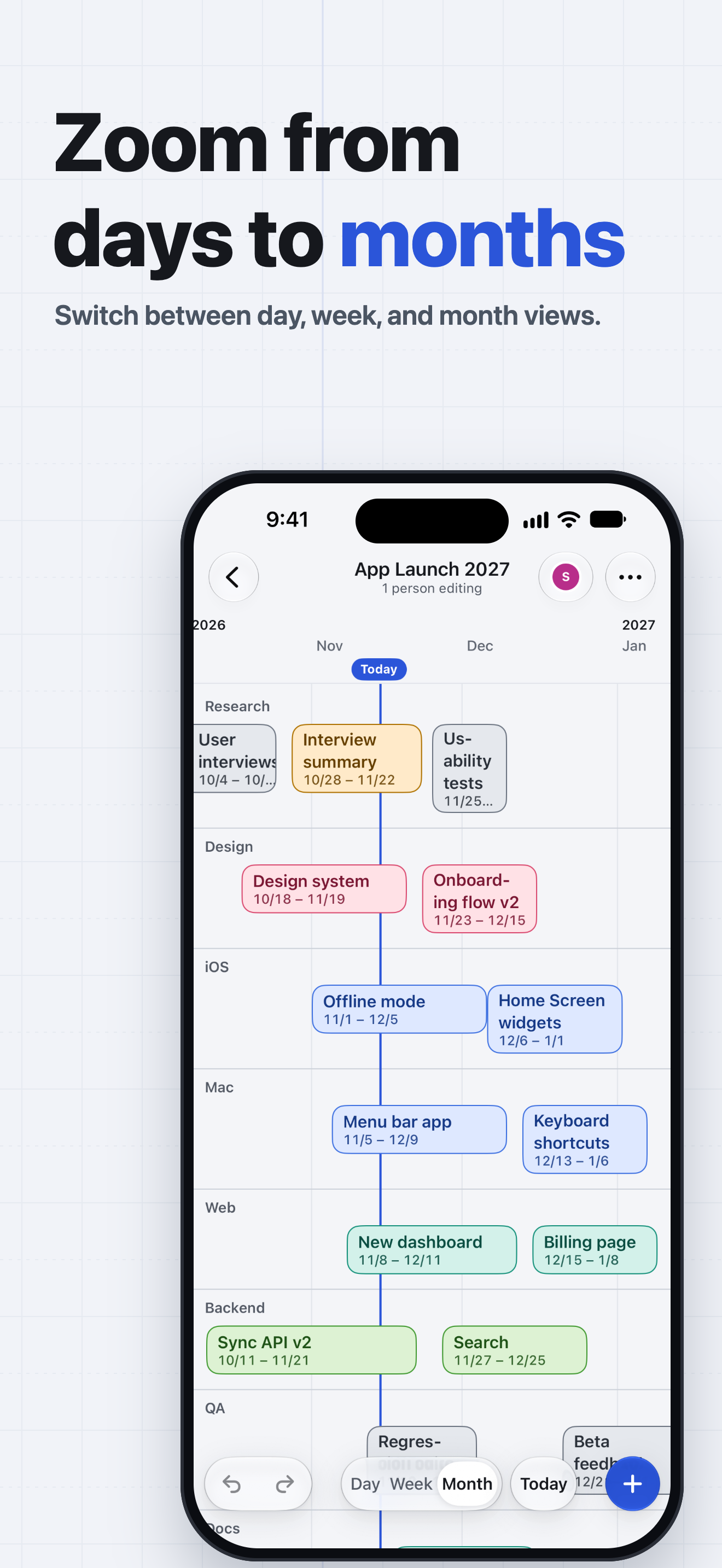
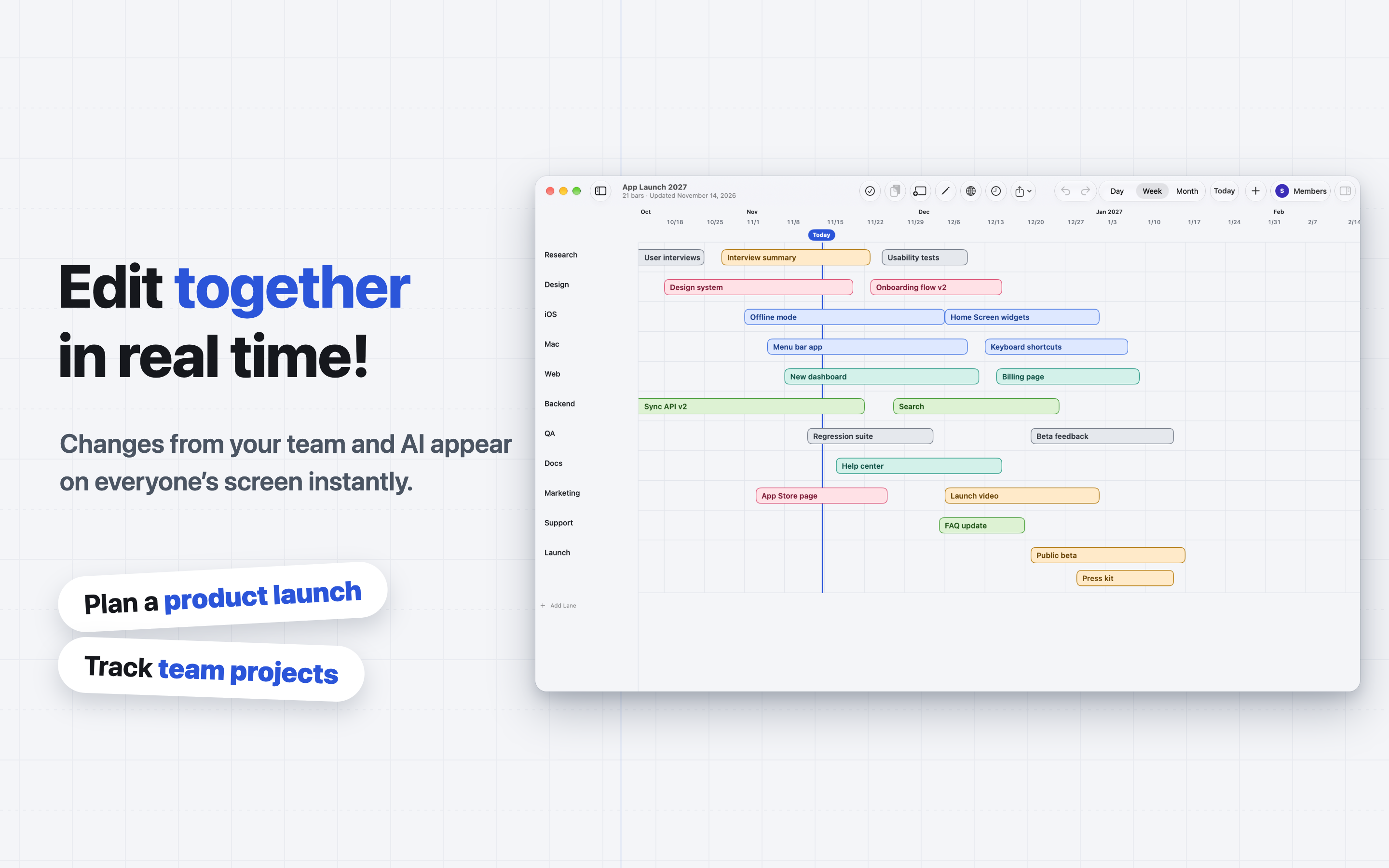
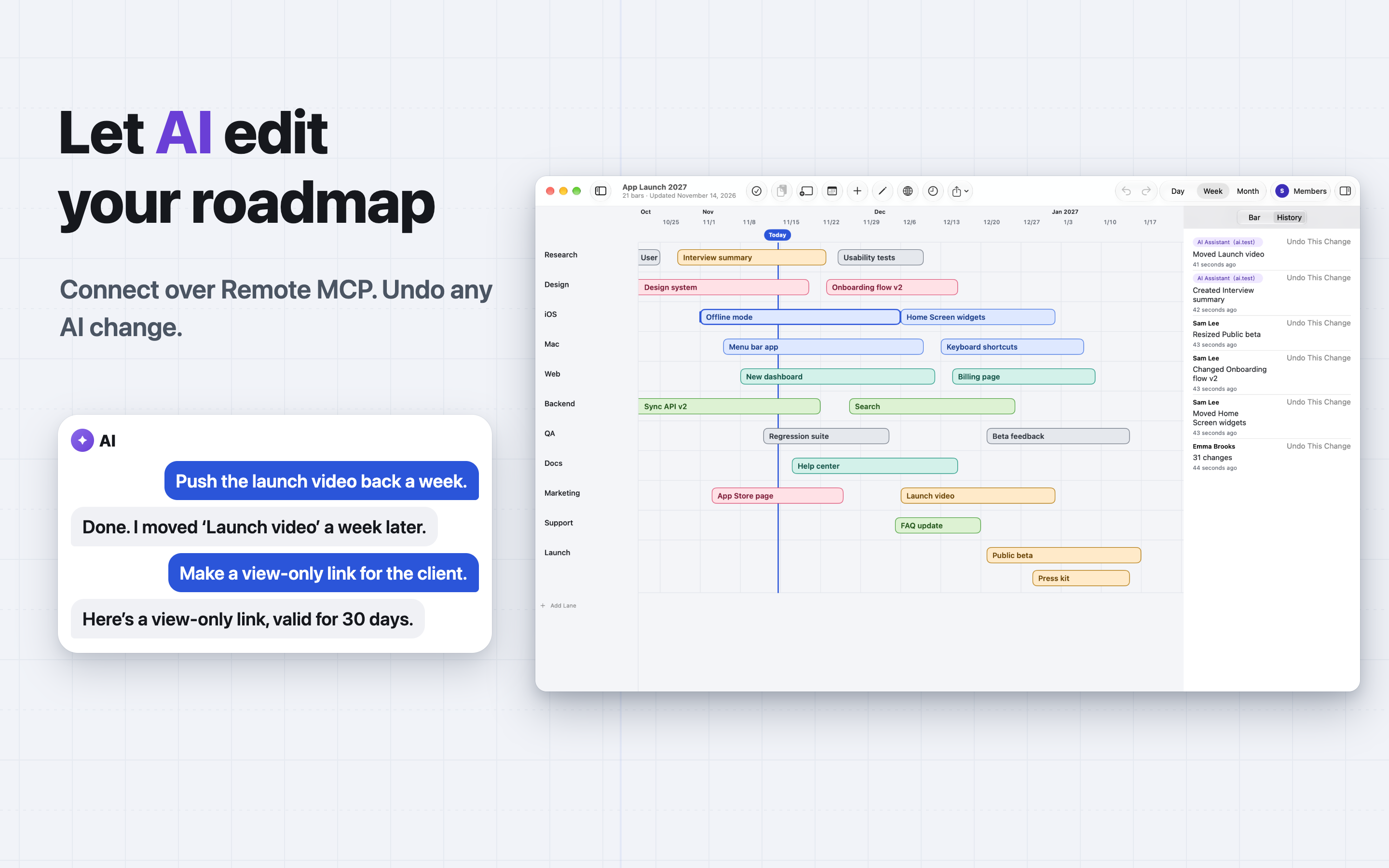
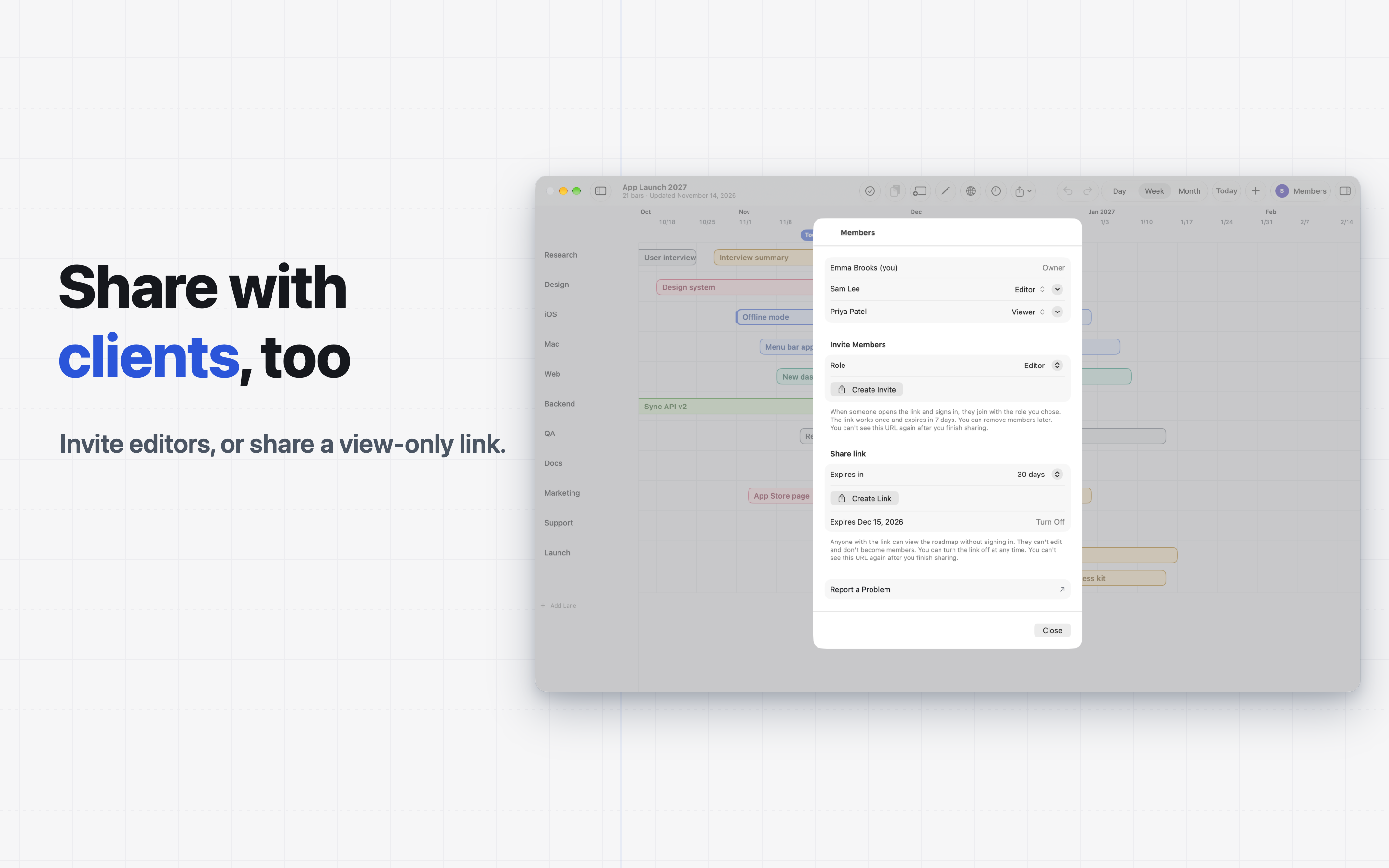
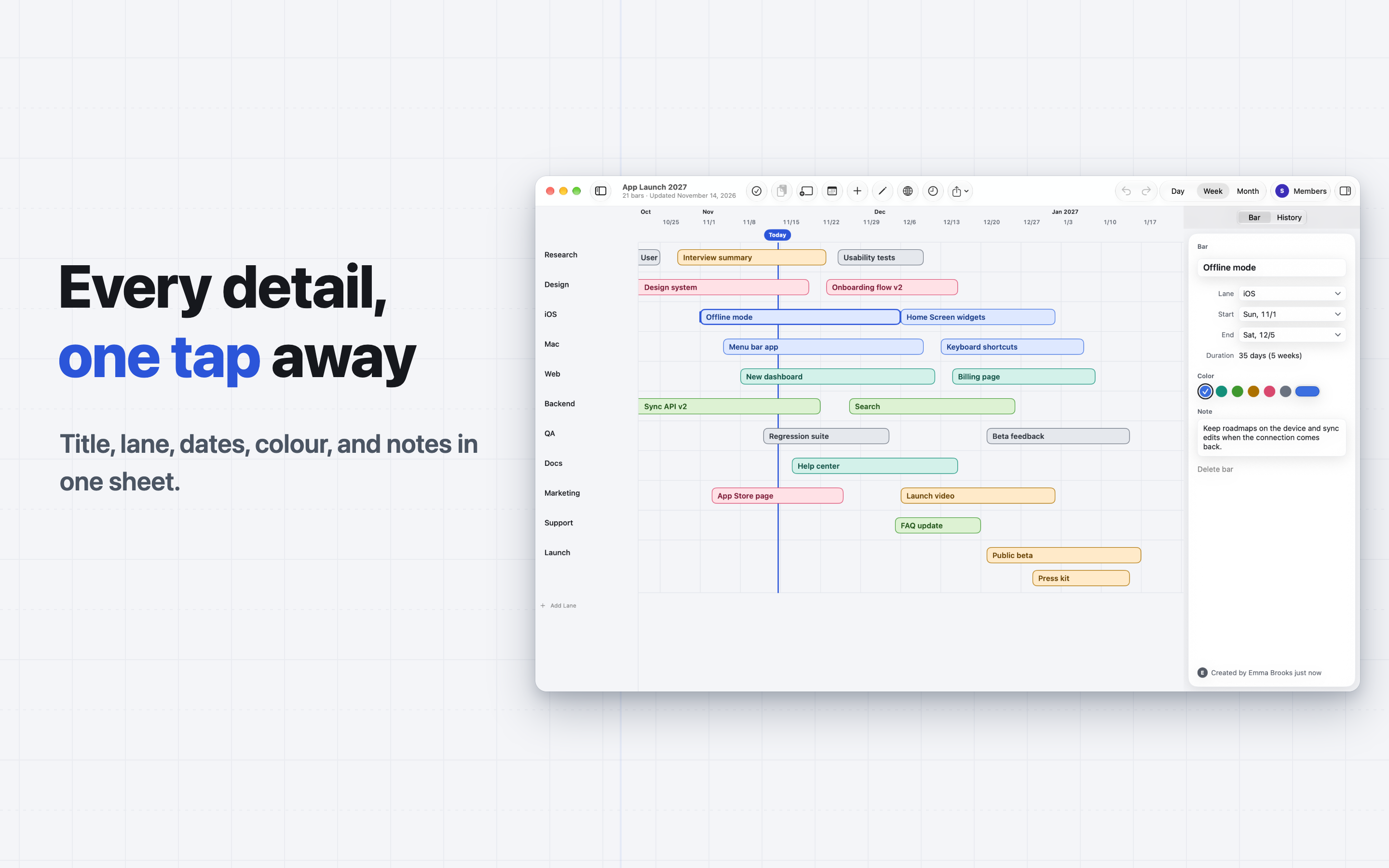
Edit your roadmaps from the AI agent you already use. Ask it to add plans, move dates, invite people, or create share links. Share roadmaps with your team and edit them together in real time, with AI edits showing up for everyone too. HAND YOUR ROADMAP TO AN AI AGENT Brightroad has a Remote MCP server. An AI agent that supports MCP connectors can edit your roadmaps. • Ask it to create a roadmap, add, change, or delete rows and items, summarize the plan, invite people, or create share links. • Its edits appear on your screen as they happen. History marks them as AI changes, so you can undo them. • Give each client read access or read and write access. Settings > AI clients lists the clients you allowed, and you can revoke access at any time. EDIT TOGETHER IN REAL TIME • Everyone who has the roadmap open sees each edit, by a person or by AI, as it happens, along with who is editing. • Invite people with a link as editors or viewers. • Create a view-only link that anyone can open without signing in, and turn it off whenever you like. • Manage members, change their roles, or transfer ownership. ARRANGE YOUR PLANS BY HAND • Group your plans into rows for whatever you need, such as teams, people, or themes. • Give each item a title, start and end dates, a colour, and a note. • Touch and hold an item to pick it up, then drag it to another date or row. • Drag either end of an item to change its length. Items snap to days, weeks, and months. • Pinch to zoom, or switch between the day, week, and month scales. • Select several items to move them together, and copy, cut, paste, or duplicate them. • Reorder, rename, and collapse rows. • A line marks today's date. UNDO AND HISTORY • Undo and redo your edits. • History shows what changed, who changed it, and whether an AI client made the change. • Select a change in History to undo it. START WITHOUT AN ACCOUNT • Open the app and start a roadmap right away. You can build roadmaps, edit the timeline, and use History without signing in. • To share roadmaps, connect AI clients, or use your roadmaps on other devices, sign in with Apple, Google, or a passkey. The roadmaps you already made come with you. • Brightroad doesn't use passwords. After you sign in, you can add a passkey in Settings. • You can delete your account from Settings at any time. IPHONE, IPAD, MAC, AND THE WEB • Native apps for iPhone, iPad, and Mac, with keyboard shortcuts on iPad and Mac. • Sign in at https://brightroad.sbryu.com to open the same roadmaps in a browser. Terms of Use: https://sbryu.com/en-GB/apps/brightroad/terms-of-use

brightroad.app

Brightroad - Roadmap, Timeline

Freev1.0.0

$ ls ./screenshots/ios

Brightroad - Roadmap, Timeline iOS screenshot 1 showing app interfaceBrightroad - Roadmap, Timeline iOS screenshot 2 showing app interfaceBrightroad - Roadmap, Timeline iOS screenshot 3 showing app interfaceBrightroad - Roadmap, Timeline iOS screenshot 4 showing app interfaceBrightroad - Roadmap, Timeline iOS screenshot 5 showing app interface

$ ls ./screenshots/macos

Brightroad - Roadmap, Timeline macOS screenshot 1 showing app interfaceBrightroad - Roadmap, Timeline macOS screenshot 2 showing app interfaceBrightroad - Roadmap, Timeline macOS screenshot 3 showing app interfaceBrightroad - Roadmap, Timeline macOS screenshot 4 showing app interface

$ cat README.md

Edit your roadmaps from the AI agent you already use. Ask it to add plans, move dates, invite people, or create share links. Share roadmaps with your team and edit them together in real time, with AI edits showing up for everyone too. HAND YOUR ROADMAP TO AN AI AGENT Brightroad has a Remote MCP server. An AI agent that supports MCP connectors can edit your roadmaps. • Ask it to create a roadmap, add, change, or delete rows and items, summarize the plan, invite people, or create share links. • Its edits appear on your screen as they happen. History marks them as AI changes, so you can undo them. • Give each client read access or read and write access. Settings > AI clients lists the clients you allowed, and you can revoke access at any time. EDIT TOGETHER IN REAL TIME • Everyone who has the roadmap open sees each edit, by a person or by AI, as it happens, along with who is editing. • Invite people with a link as editors or viewers. • Create a view-only link that anyone can open without signing in, and turn it off whenever you like. • Manage members, change their roles, or transfer ownership. ARRANGE YOUR PLANS BY HAND • Group your plans into rows for whatever you need, such as teams, people, or themes. • Give each item a title, start and end dates, a colour, and a note. • Touch and hold an item to pick it up, then drag it to another date or row. • Drag either end of an item to change its length. Items snap to days, weeks, and months. • Pinch to zoom, or switch between the day, week, and month scales. • Select several items to move them together, and copy, cut, paste, or duplicate them. • Reorder, rename, and collapse rows. • A line marks today's date. UNDO AND HISTORY • Undo and redo your edits. • History shows what changed, who changed it, and whether an AI client made the change. • Select a change in History to undo it. START WITHOUT AN ACCOUNT • Open the app and start a roadmap right away. You can build roadmaps, edit the timeline, and use History without signing in. • To share roadmaps, connect AI clients, or use your roadmaps on other devices, sign in with Apple, Google, or a passkey. The roadmaps you already made come with you. • Brightroad doesn't use passwords. After you sign in, you can add a passkey in Settings. • You can delete your account from Settings at any time. IPHONE, IPAD, MAC, AND THE WEB • Native apps for iPhone, iPad, and Mac, with keyboard shortcuts on iPad and Mac. • Sign in at https://brightroad.sbryu.com to open the same roadmaps in a browser. Terms of Use: https://sbryu.com/en-GB/apps/brightroad/terms-of-use

$ cat metadata.json