DriveTracker records your drives and shows them on a map. This update makes it easier to find your past trips!
Search by Location
You can now search your drive history by location name.
Find trips quickly by typing a place you visited!
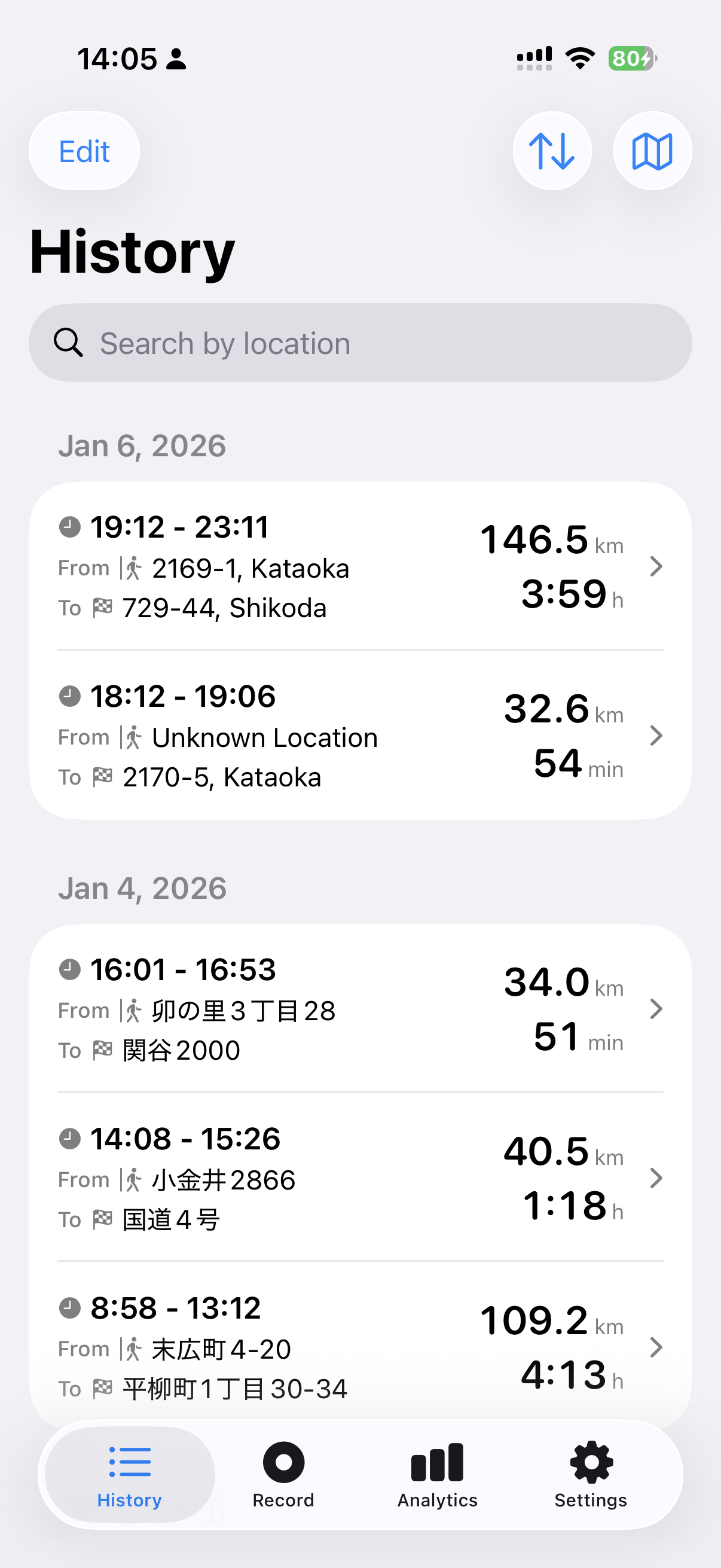
Search works for both starting points and destinations.
For example, typing "Tokyo" shows trips that started from Tokyo or ended in Tokyo.
Export as KML Files
You can now export your records as KML files.
KML is a file format that Google Maps can open.
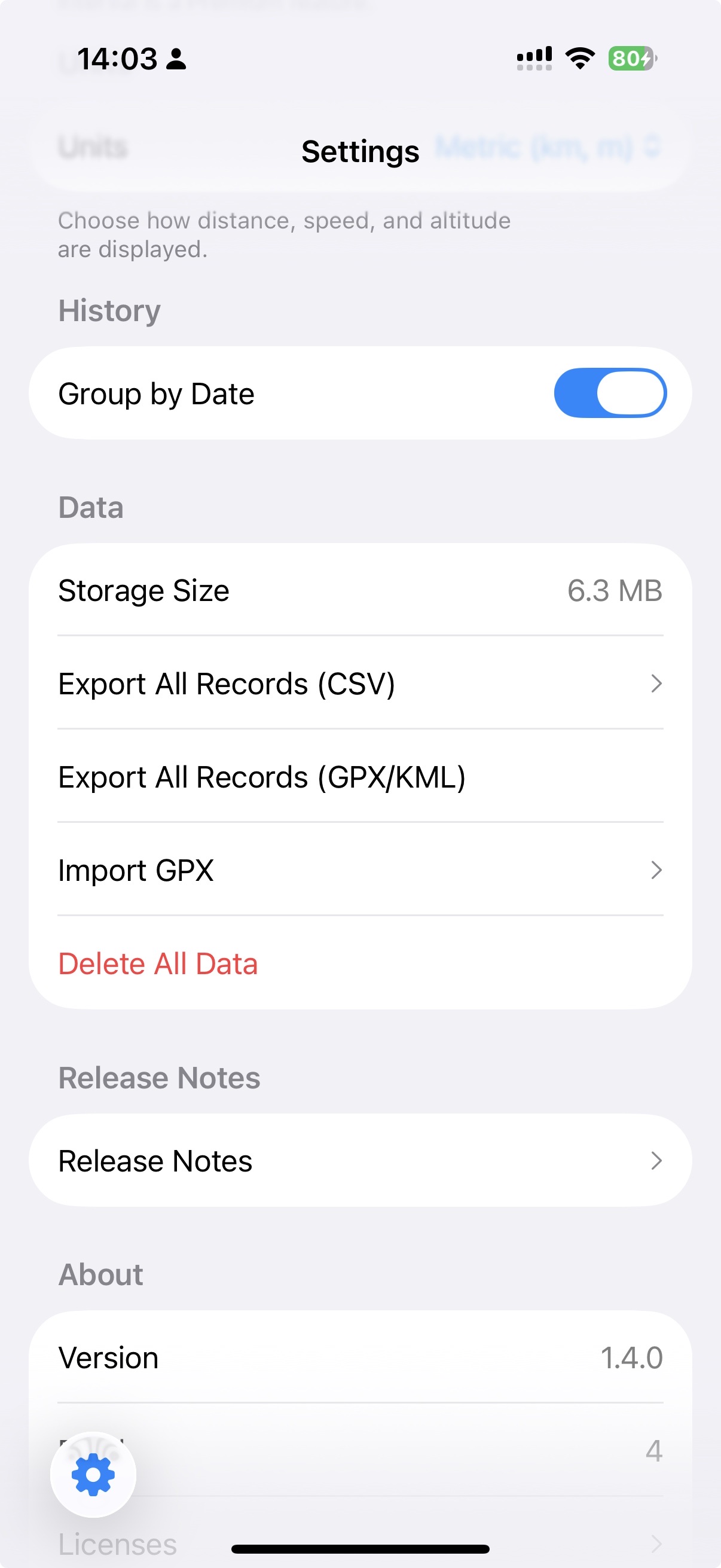
Exported records can be opened in the browser version of Google Maps on your computer.
Just open "My Maps," select "Import," and choose your KML file.
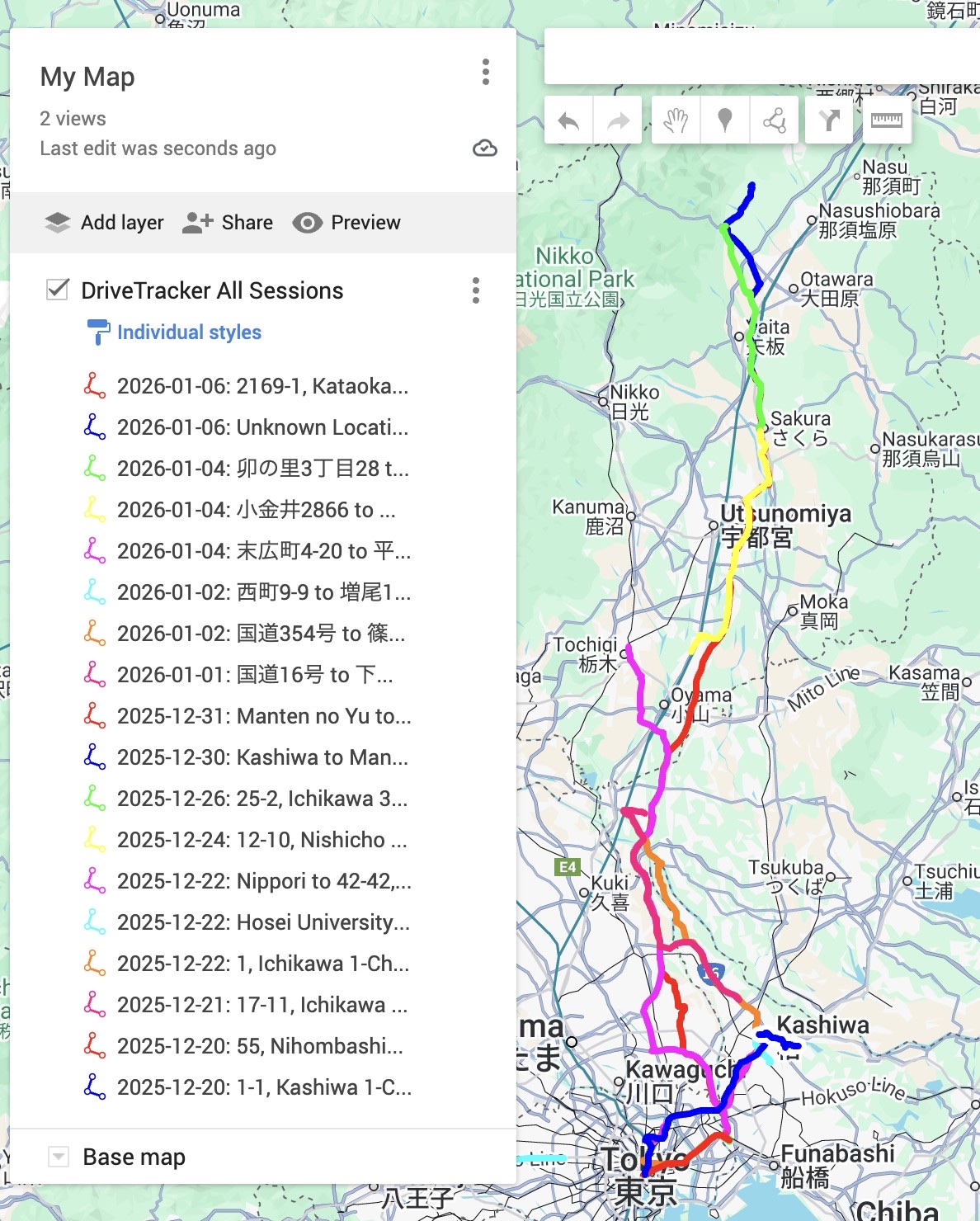
Once imported to Google Maps, you can share work-related trips or save travel memories.
Note: KML import is only available on the browser version of Google Maps. You cannot import KML files on the Google Maps mobile app, but you can view imported maps on your phone after importing them on a computer.
Update and give it a try!